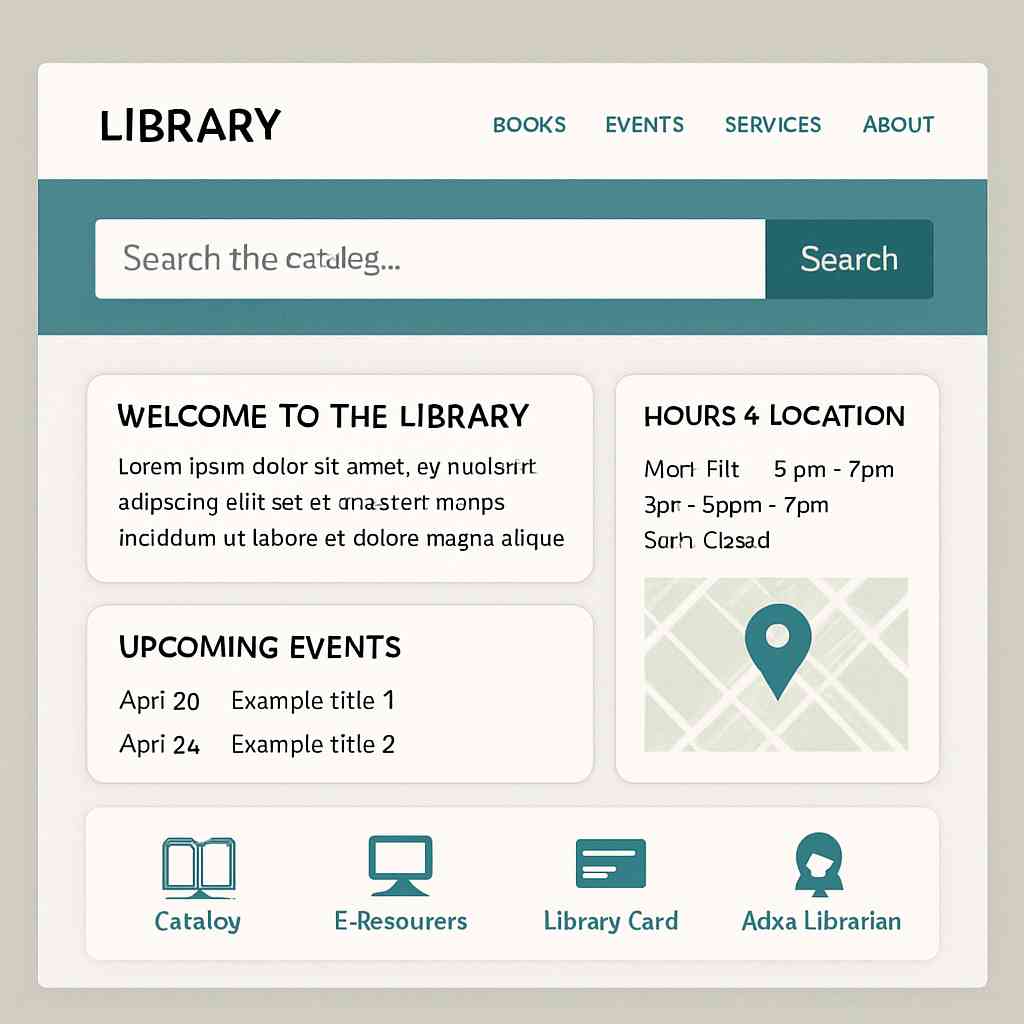
The Marigold Butterfly Library is a free online resource that requires no account or library card to access our collection. However, if you would like to obtain a library card for your local public library, we have prepared a clear, step-by-step guide to help you complete the online application process.
How to Apply for a Library Card Online
Applying for a library card has never been easier, thanks to the convenience of online applications. Whether you’re new to the area or just haven’t gotten around to it yet, obtaining a library card opens up a world of resources, from books and e-books to online databases and community events. In this guide, we’ll walk you through the steps on how to apply for a library card online, answer common questions, and provide you with all the information you need to start enjoying your local public library.
Before we dive into the application process, let’s explore why having a library card is beneficial. A library card is your passport to a wealth of information and entertainment. Here are just a few reasons to get one:
- Access to Books and Media: Borrow books, magazines, DVDs, and more without any cost.
- Digital Resources: Many libraries offer e-books, audiobooks, and online courses.
- Community Programs: Attend workshops, lectures, and events for all ages.
- Research Tools: Use databases and other research tools for free.
- Cost Savings: Save money by borrowing instead of buying.
Can You Apply for a Library Card Online?
Yes, you can apply for a library card online! Most public libraries have embraced digital technology, making it possible for you to complete the application process from the comfort of your home. Let’s explore the steps you need to take.
Steps to Apply for a Library Card Online
Step 1: Visit Your Local Library’s Website
The first step is to visit the website of your local public library. If you’re unsure which library serves your area, a quick online search with your city or county name followed by “public library” should point you in the right direction.
Step 2: Find the Library Card Application Section
Once you’re on the library’s website, look for a section dedicated to library card applications. This is often found under sections like “Get a Library Card,” “Join the Library,” or “Library Services.”
Step 3: Fill Out the Online Application Form
Most libraries require you to fill out an online form to register for a library card. Here’s what you might need to provide:
- Name: Your full legal name.
- Address: Your current residential address.
- Contact Information: An email address and phone number.
- Identification: Some libraries may ask for a form of identification, such as a driver’s license number or student ID.
- Age: If you’re under 18, you might need a parent or guardian’s consent.
Step 4: Submit the Application
After filling out the form, submit your application. Some libraries might offer instant approval, while others may take a few days to process your information. You might receive a confirmation email with further instructions.
Step 5: Collect Your Library Card
Once your application is approved, you will receive instructions on how to collect your library card. Some libraries may mail it to you, while others might require you to pick it up in person. Be sure to bring any required identification when you go.
Common Questions About Library Cards
Does a Library Card Cost Money?
For the most part, obtaining a library card is free if you reside in the library’s service area. However, some libraries may charge a nominal fee for non-residents or for replacement cards.
How Long Does It Take to Get a Library Card?
The time it takes to get a library card can vary. Some libraries offer instant registration online, while others may take a few business days to process your application. If you need to pick up the card in person, the timing will depend on your schedule and the library’s hours.
What Do You Need to Get a Library Card?
Generally, you need proof of address and identification to obtain a library card. This can often be done online by uploading a scanned copy of your ID or other documents.
Can I Use My Library Card at Other Libraries?
Some libraries belong to a network that allows you to use your card at multiple locations. Check with your local library to see if they participate in any such programs.
Using Your Library Card Online
Once you have your library card, you can start taking advantage of the library’s online resources. Here’s how:
- Access e-Books and Audiobooks: Use your card number to check out digital books through platforms like OverDrive or Libby.
- Stream Movies and Music: Some libraries offer streaming services for movies and music.
- Research and Learning: Access online databases for research or take free courses on various subjects.
- Renew Items: Manage your borrowed items and renew them online.
Renewing and Replacing Your Library Card
Library cards typically have an expiration date, usually every few years, to update contact information. Renewing your card is generally a straightforward process that can often be done online or in person.
If you lose your card, report it to the library immediately to prevent unauthorized use. You may need to pay a small fee for a replacement card.
Conclusion
Applying for a library card online is a simple and rewarding process. With access to countless resources, both physical and digital, a library card is an invaluable tool for learning, entertainment, and community engagement. Whether you’re a student, a parent, or a lifelong learner, your local library has something to offer. So why wait? Apply for your library card today and start exploring the endless possibilities.

 Previous Post
 Next Post